

Clients and Guardians/Parents
Every ABA organization has three types of people: Staff, the default, Clients and Guardians/Parents. Keeping Clients and Guardians/Parents as their own types lets you hold a Session Plan with them, such as a caregiver training session with a parent, without mixing them into your staff.
| Staff | Clients | Guardians/Parents | |
|---|---|---|---|
| Can be an Observee or Supervisee | Yes | Yes | Yes |
| Can be an Observer or Supervisor | Yes | No | No |
| BACB certification fields | Yes | No | No |
| On the BACB reports | When their profile names a certification the report checks | No | No |
| Sees ABA & BACB Reports and the dashboard’s BACB shortcuts | Yes | No | No |
| Skills card on their profile | Yes | Yes | No |
Add a Client or Guardian/Parent
Section titled “Add a Client or Guardian/Parent”-
Open Staff and set Type to Clients or Guardians/Parents.
-
Select Add Clients or Add Guardians/Parents.
-
Choose whether to invite them. With Invite to Behaview on, they get an account and can sign in. Turn it off to keep a record of them without access to your organization.
-
Enter their name, and an email address if you are inviting them, then select Invite or Add.
For more on inviting and adding people, see Adding and managing people. With Type left on All, the Staff list on a computer has a Type column naming each person’s type.
Choose one as the Observee
Section titled “Choose one as the Observee”The Observee list on the New Session Plan form, Supervisee on the BACB types, lists everyone whose Session Plans you can see, of every type, and so does Quick Add in the Session Plans list. Anyone who is not Staff shows their type beside their name.
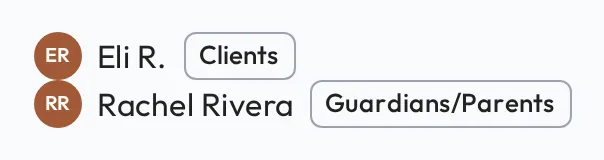
The Observer, or Supervisor, is always a member of Staff.
Client Observed
Section titled “Client Observed”On a BACB Supervision, the Supervisee is the trainee, RBT or BCaBA, not the client. Tick Client Observed when the supervisor watched them working with a client, and fill in Observation Minutes if that was only part of the session. The Session Plan does not name the client. See BACB Session Plans.
Guardians/Parents have no Skills card
Section titled “Guardians/Parents have no Skills card”A Guardian/Parent’s profile has no Skills card on its Overview and Progression tabs.