

Career plans
A role sets the baseline expectations for a job. A career plan lets you develop an individual beyond that baseline, toward the next credential or a personal growth area. A common path is RBT, then BCaBA, then BCBA. The plan lives on the Career Plan tab of the person’s profile.
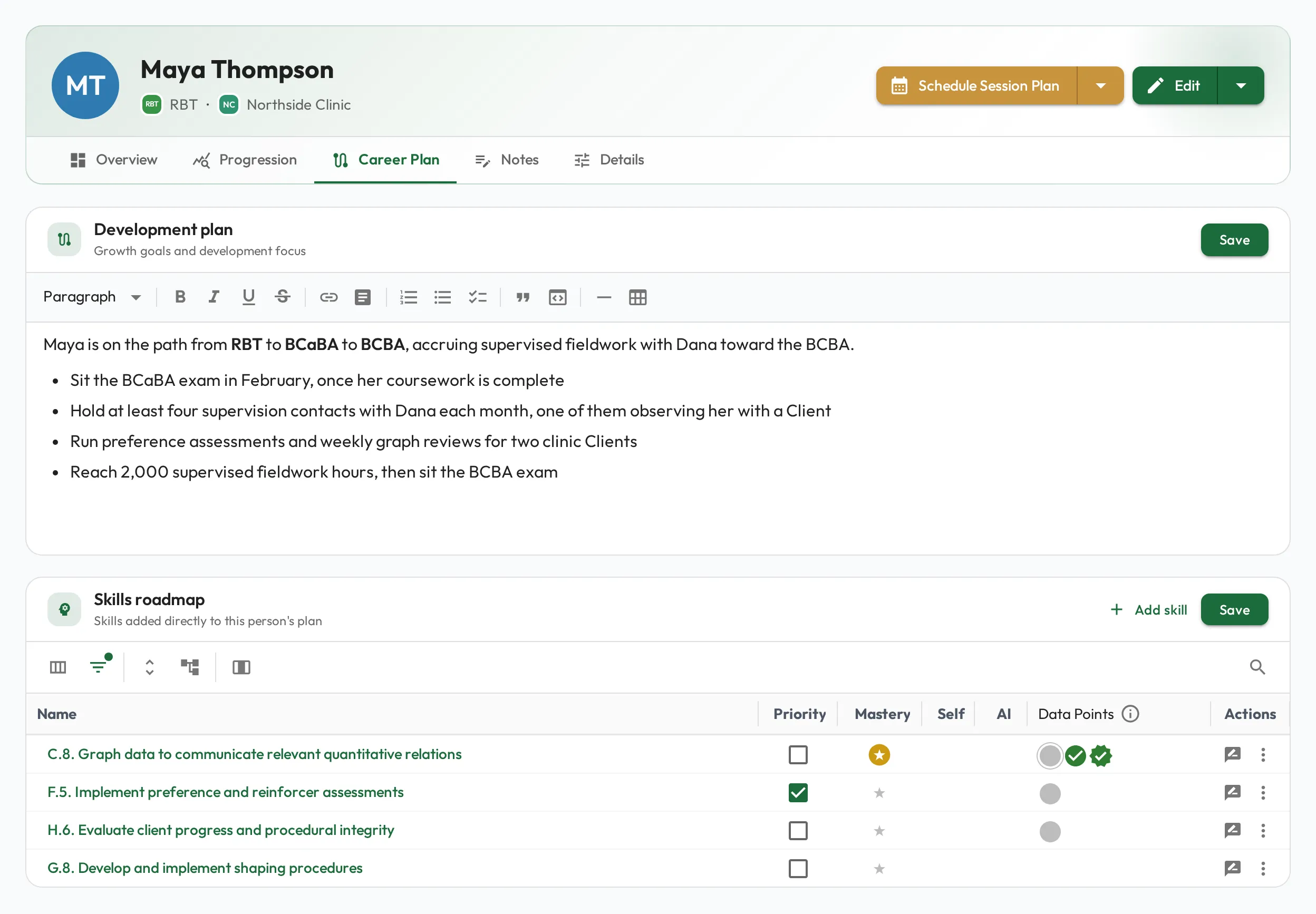
Preparing for the next role
Section titled “Preparing for the next role”Add skills from the role the person is growing toward, independent of their current role. For an RBT working toward BCaBA, add items from the BCaBA Test Content Outline (6th Edition); when they move on toward BCBA, add items from the BCBA Test Content Outline (6th Edition). See BACB task lists.
Choose Add skill on the Skills roadmap card, tick the skills in Edit Career Plan Skills, and choose Save. Its Roles column shows which roles already use each skill, so you can pick out, for example, the skills your BCaBA Candidate role requires. The skills then appear in the Skills roadmap, where you can mark priorities and assume proficiency as on the Progression tab, and you can pick them into a Session Plan like any role skill. This lets you start assessing next-role expectations early and watch readiness build over time.
This turns promotions from a judgment call into evidence. When someone is proficient in their own role’s skills and is showing solid mastery of the next role’s, the case for promoting them is already made, backed by observations rather than impressions.
When a trainee’s fieldwork starts counting toward a different credential, also choose Edit from their Manage menu and update Pursuing BACB Certification, so their hours count toward the right requirements (see Certification fields).
The development plan
Section titled “The development plan”Each person can have an open-ended Development plan: a place to describe where they’re headed and the path to get there, such as the exam date they’re aiming for and the supervision contacts they still need. Use it to make growth conversations concrete and to keep direction visible between Session Plans. Choose Save on the card to keep your changes.