

Onboarding a new RBT or Behavior Technician
Onboarding is the simplest way to start with Behaview. A role such as RBT or Behavior Technician already defines the skills expected of the job, so onboarding a new hire is working through that list: each required skill is something to learn, demonstrate with a Client, and check off. The expectations you set once become every new hire’s checklist.
Set it up
Section titled “Set it up”-
Define the role and its required skills.
Make sure the role the person is joining lists the skills expected of it, marked required. This is the checklist every new hire in that role inherits. The Skills Library has ready-made sets: Behavior Technician Basics for technicians, and the RBT Test Content Outline (3rd Edition) for RBTs. If your organization chose I want to do Staff Observations/Overlaps in Account Setup, the Behavior Technician role already requires Behavior Technician Basics. See Skills overview.
-
Add the person and assign a supervisor.
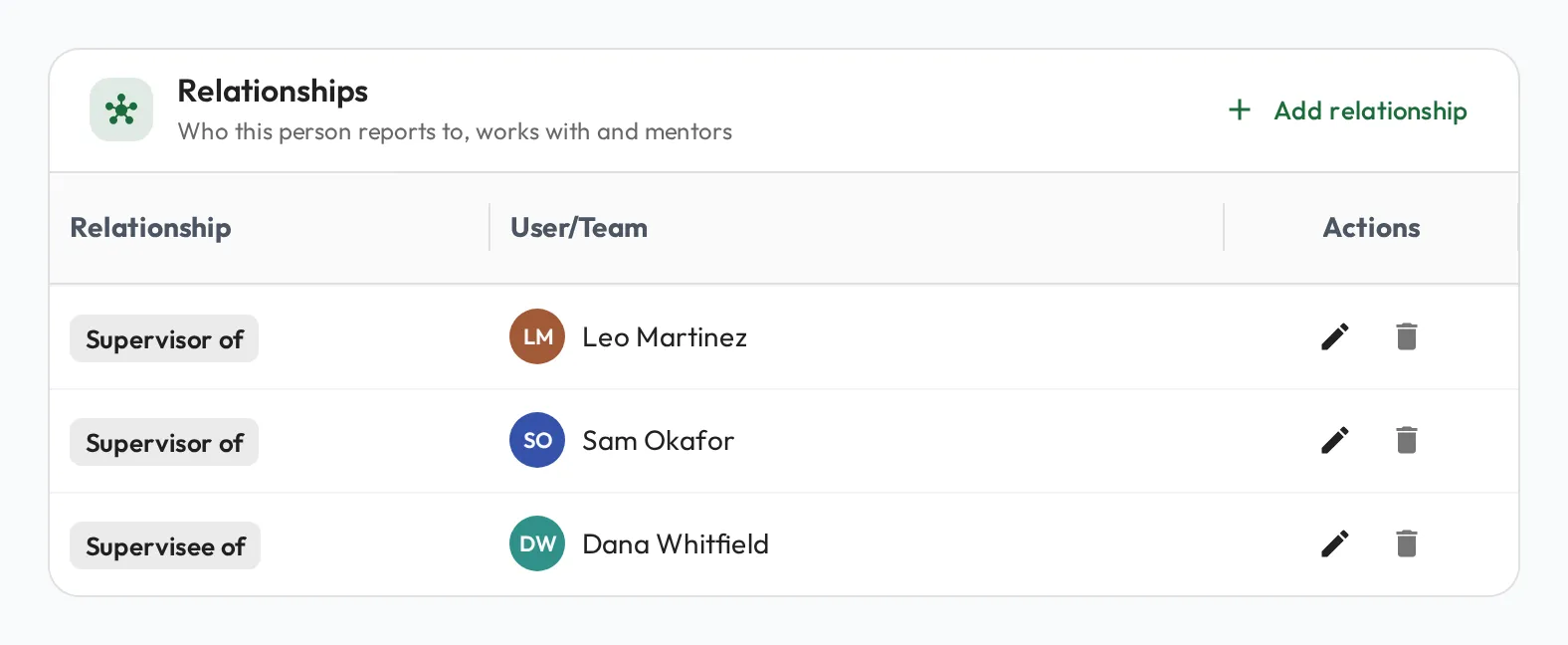
Add them to the role so they inherit its required skills. For an RBT, set Qualification to RBT and add their Certification ID, so their monthly supervision is checked (see Certification fields). Then give them a Supervisor relationship with their BCBA. The relationship grants supervision access and puts them in the supervisor’s My Direct Team, one click from a session.
-
Give them the “how,” not just the “what.”
Where a required skill has a playbook, the new hire has your organization’s written protocol for it: how you run a preference assessment, how session notes should read, what to do in a crisis. Playbooks turn the checklist from a list of expectations into a self-serve learning path.
-
Take a baseline, then track progress.
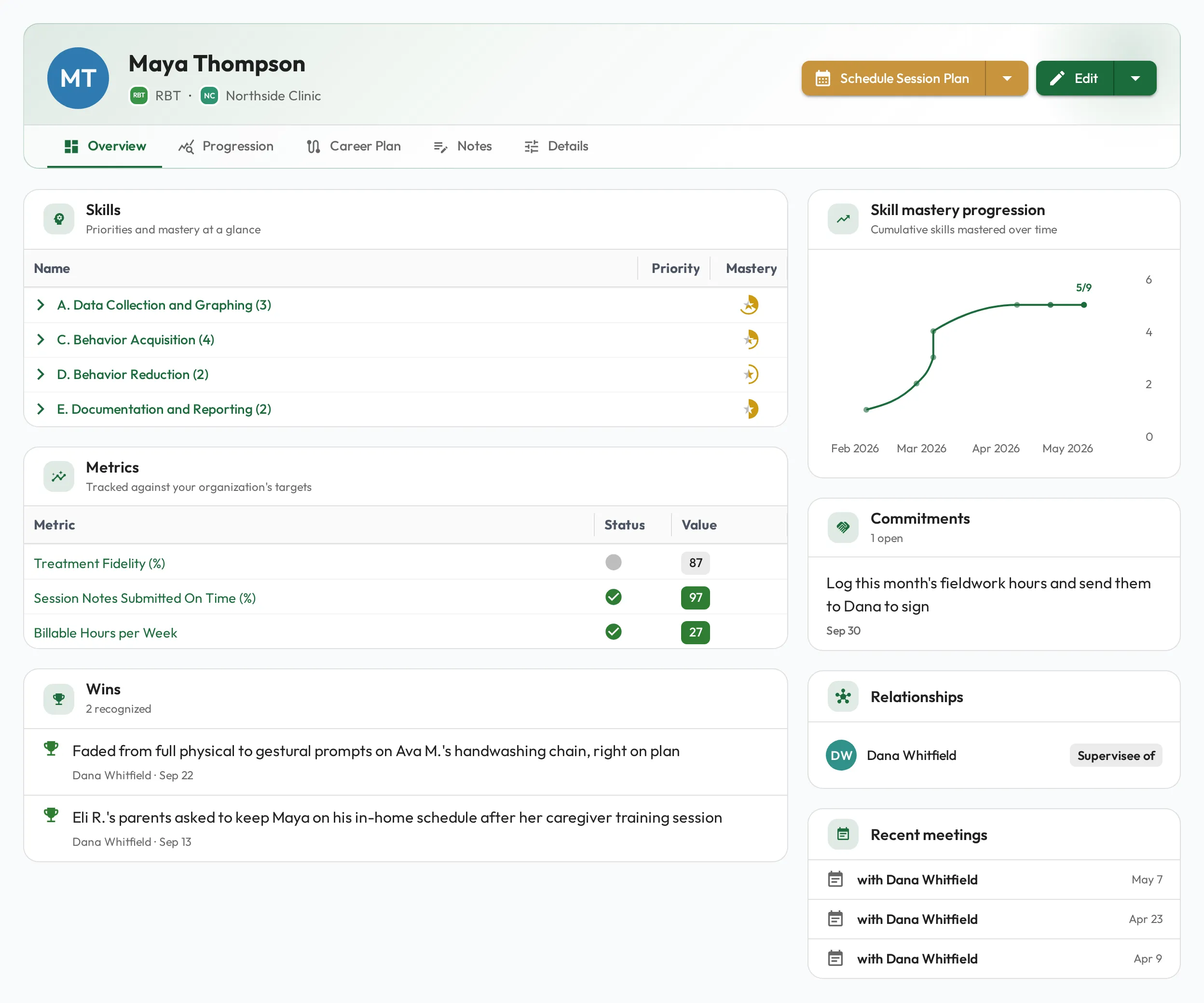
In an early Session Plan, record where they are starting on a few skills, ideally during a session with a Client. From then on, each observation moves their skills toward mastery, and the Skill mastery progression chart on their profile shows how many they have reached, so both of you can see onboarding advancing rather than guessing at it.
Let the new hire own their checklist
Section titled “Let the new hire own their checklist”Onboarding works best when the new hire can see their own targets. Invite them so they can sign in and see their required skills on their profile, and let them practice on their own with AI coaches before you sit down together. They arrive at each supervision having already closed the gaps they could close alone.
Make the weekly rhythm concrete with routine 1:1 supervision, and once they are established, plan their growth with career planning.