

Performance reviews
A performance review in Behaview is not a form filled from memory. Months of supervision observations, notes and role metrics are already on the person’s profile, so the review is mostly summarizing a record that already exists, then agreeing on it together.
flowchart LR
  M["Completed Session Plans"] --> AI
  O["Direct observations"] --> AI
  AI --> R["(Draft) Performance Review"]
  classDef ai font-size:30px,font-weight:bold;
  class AI ai;
Generate the summary
Section titled “Generate the summary”-
Review the period on the profile. Skill mastery, recent observations, wins and tasks, and metric trends all live on the profile.
-
Summarize it. On the profile, open Actions and choose Summarize Progress. Pick the period, adjust the Questions to Answer (for example, add “How consistently does Jordan implement behavior intervention plans as written?”), and select Generate Summary. The summary draws on the period’s completed Session Plans, with their Observation Notes and scores, and on direct observations. Session Plans not yet shared with the person are included unless you untick Include Unshared Session Plans. You can also ask your connected AI, which can read the same observations and draft the review for you.
-
Edit to taste. The summary is a starting point. Copy it, adjust the emphasis, add context only you know, and you have a review grounded in evidence rather than impressions.
Sign off in a Session Plan
Section titled “Sign off in a Session Plan”Hold the review itself as a Session Plan. Walk through the summary together and complete the Session Plan, then both of you add a digital signature under Signatures to confirm the review took place and the record is agreed. The signatures stay on the record.
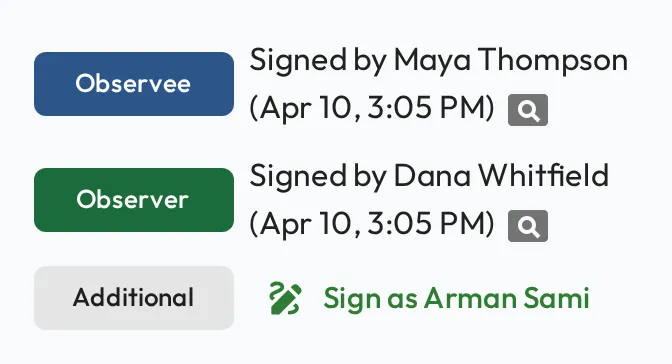
If something needs to change after sign-off, you can reopen the Session Plan and sign again. For formal, skills-based improvement tracking, see Improvement plans.